
Everything you need to customise your photos in one place
The Photo Editor combines creative effects with practical adjustment tools, making it possible to work on different aspects of an image without switching between several editing applications.

Explore over 300 filters and effects
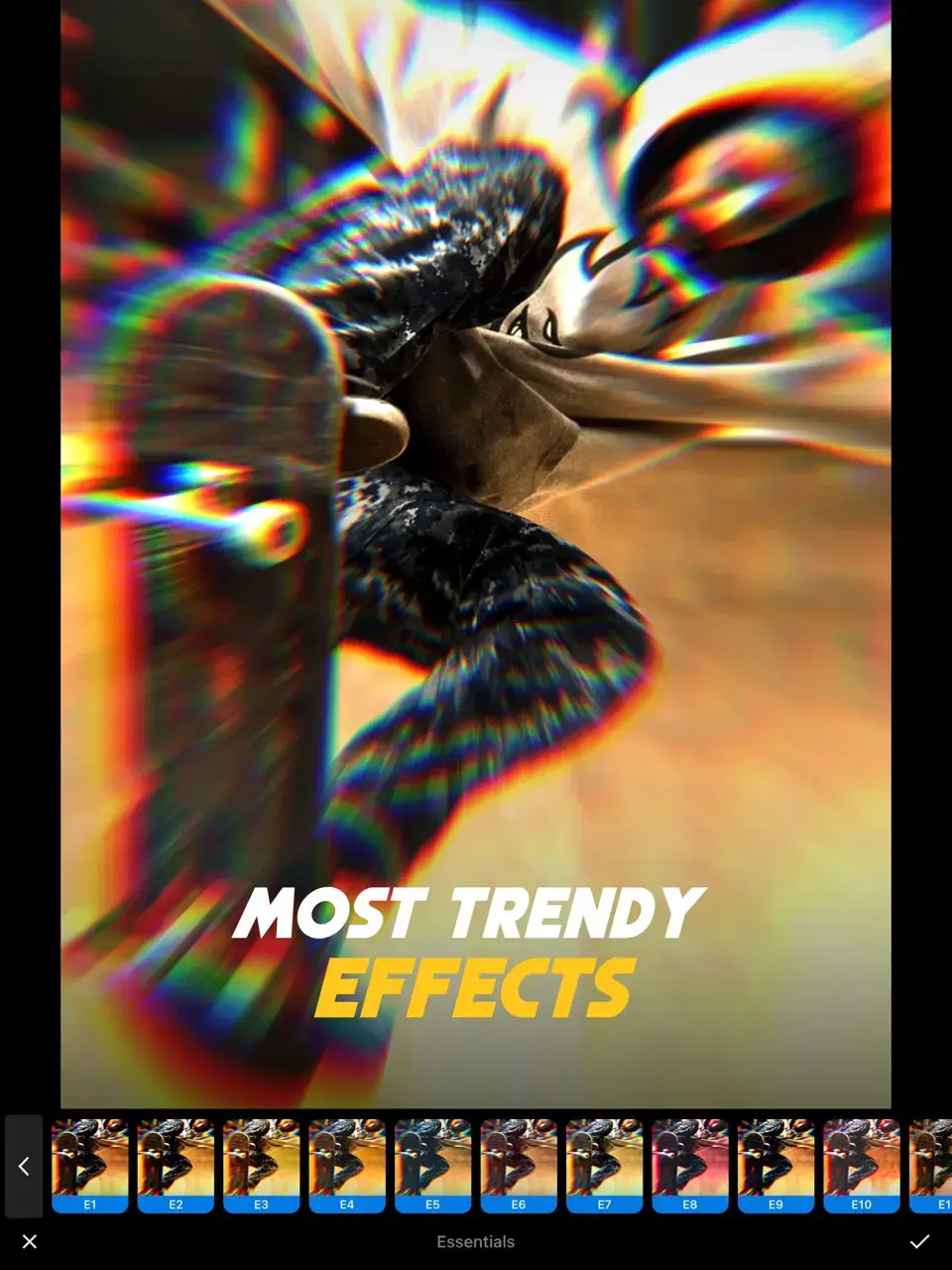
Choose from more than 300 filters designed to offer different visual styles. The collection includes effects such as chromatic aberration, colour shifts, distortion, TV, glitch, VHS, oil painting, paper drawing, blur and broken glass. You can experiment with different combinations and select the treatment that suits your photograph.

Add textures, stickers and backgrounds
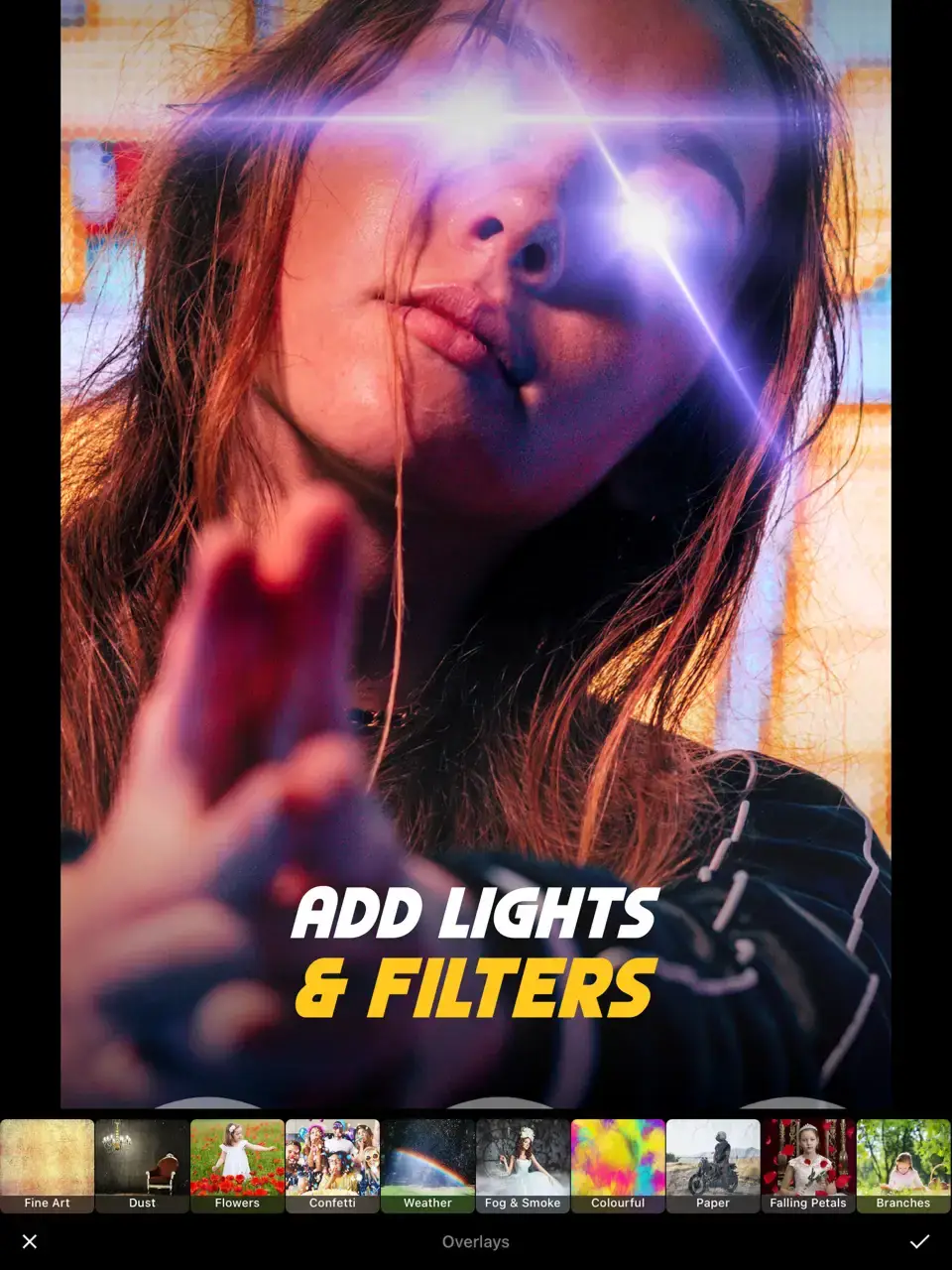
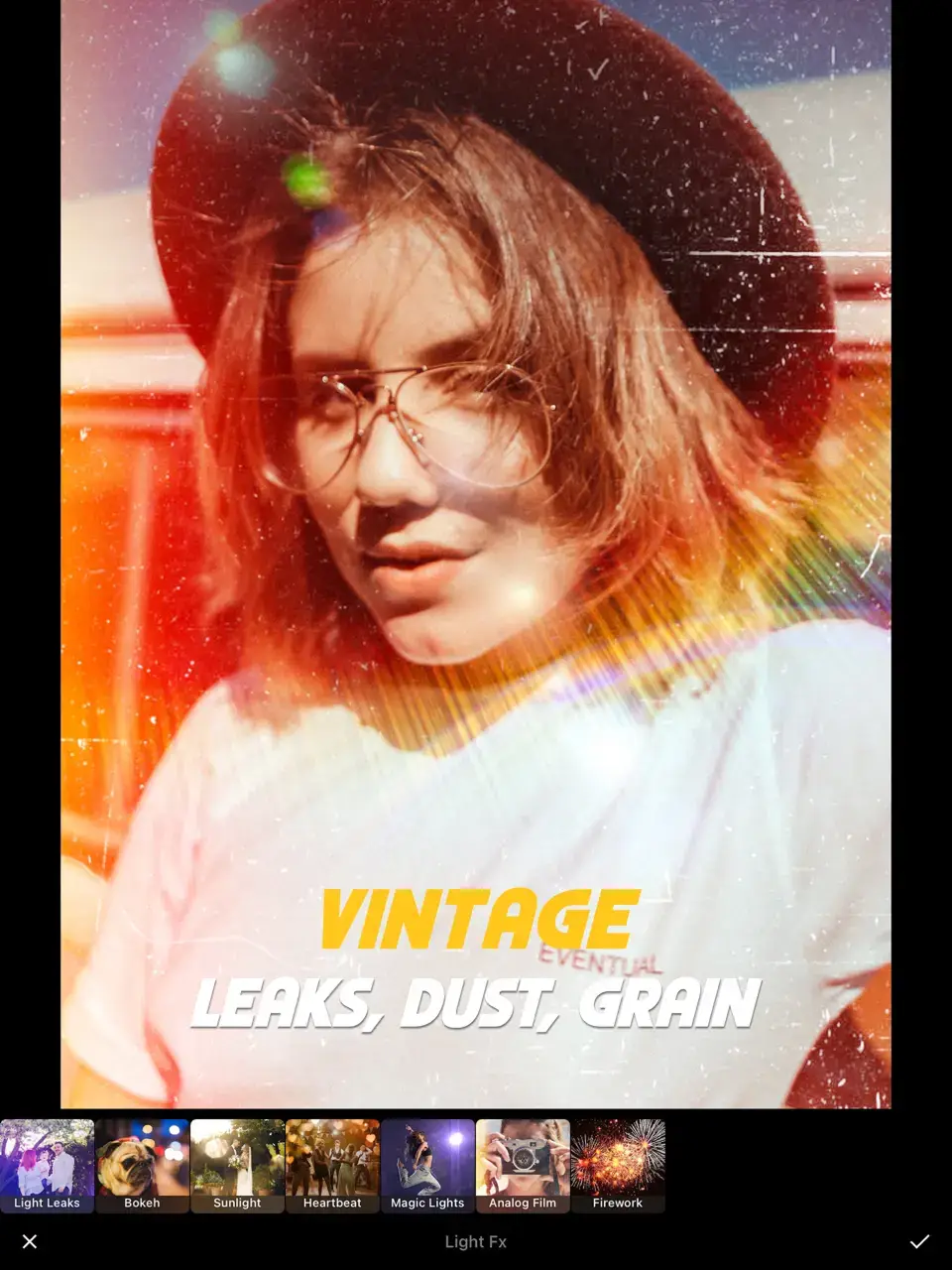
Give your photographs additional visual elements with a collection of overlay textures, including light leaks, lens flares, confetti, glitter, fireworks, dust, grain, scratches, rain and mist. You can also add realistic or cartoon-style stickers and choose from more than 90 backgrounds covering geometric, floral, cosmic, marble, wood and other designs.
Adjust photographs with detailed editing controls
Fine-tune your images using adjustment tools for exposure, contrast, hue, saturation, sharpness, vibrance, gamma, temperature, tint, shadows and highlights. Additional controls for grain and vignette allow you to make more detailed changes to the final appearance of your photograph.
Go beyond filters with a wider range of creative editing tools
The Photo Editor is designed for more than simply applying a preset. You can combine filters with adjustments, textures, typography, stickers and backgrounds to build a more individual composition. The editing process also includes a quick comparison function, allowing you to check your changes against the original photograph.
Create custom photo compositions
Add text using more than 60 fonts, adjust colour, spacing and alignment, and choose from 30 text-art options. Combine typography with stickers, frames, backgrounds and overlay textures to create a composition that fits the image and the intended use.
Turn still photos into short videos
Add motion effects to a still photograph and create a short video from your image. More than 10 video effects are available, including rain, snow, movie, VHS, TV, glitch and water-drop effects. Finished videos can be exported in HD format and shared on supported platforms.
Edit your photos with creative effects or precise adjustments
Different photographs often require different editing approaches. Sometimes a filter is enough to change the overall atmosphere, while other images may benefit from individual adjustments to exposure, colour, contrast or sharpness. This Photo Editor combines both approaches in one mobile application.
The filter and effects library provides more than 300 options for experimenting with different visual styles. You can add colour shifts, distortion, blur, glitch, VHS-inspired effects and other treatments, then complement them with overlay textures such as grain, light leaks, rain or lens flare.
For more controlled editing, adjustment tools allow you to work individually with exposure, contrast, hue, saturation, temperature, shadows, highlights and other image properties. You can also add frames, backgrounds, stickers and text to create a more complete composition.
The built-in before-and-after comparison makes it easier to check how the photograph has changed during editing.
Choose the tools you need for each type of edit
The Photo Editor brings together creative effects, detailed adjustments and additional design tools. You can keep the editing process simple or combine several functions depending on the photograph and the result you want to achieve.
Filters and creative effects
- 300+ filters and effects
- Glitch, VHS and TV effects
- Blur, distortion and colour-shift effects
- Oil painting and paper-drawing styles
Textures and visual elements
- Light leaks and lens flare
- Grain, dust and scratches
- Rain, fog and mist textures
- Realistic and cartoon stickers
Detailed photo adjustments
- Exposure and contrast controls
- Hue and saturation adjustments
- Sharpness and vibrance settings
- Shadows, highlights and temperature controls
Create a photo that reflects your chosen style
Whether you want to apply a quick filter, fine-tune the colour and exposure or build a more detailed composition, the Photo Editor provides a broad set of tools for working with photographs directly from your smartphone.
Start Editing